
Why I'm Loving This PowerShell Trick for Microsoft Store Apps
Hey friends, if you're like me and prefer the clean vibe of command-line magic over graphical bloat, you're gonna flip for Microsoft's latest Windows update. No more slogging through the Microsoft Store's ad-riddled interface to snag apps or updates. Now, you can type a few simple commands in PowerShell and boom—apps download straight to your machine, fast and fuss-free.
The Old Way vs. the New Way: Night and Day
Remember hunting for apps in the Store? Endless scrolling, sneaky ads popping up everywhere, and that nagging "recommended for you" nonsense? It's like shopping in a crowded mall with pushy salespeople. But with PowerShell, it's like having a direct hotline to the goods.
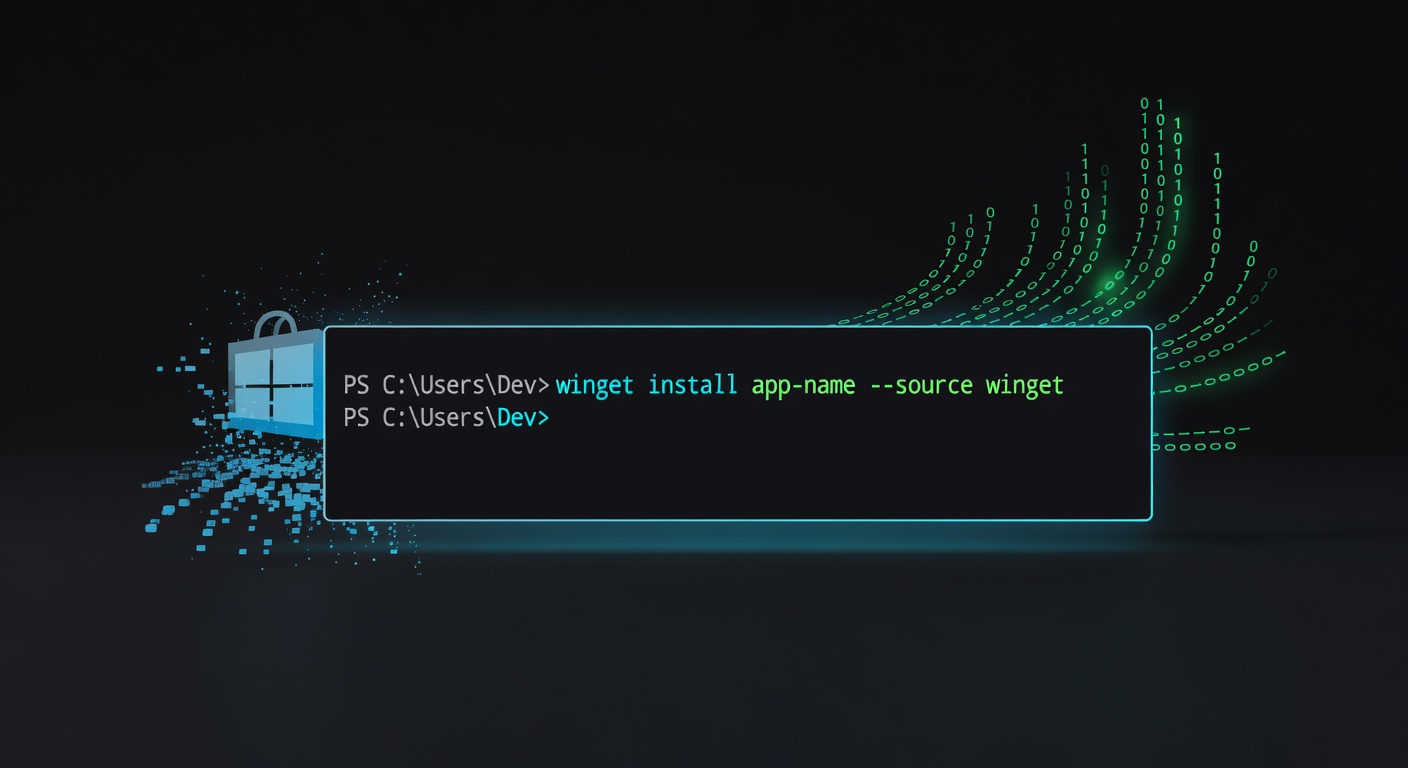
Open PowerShell (just search for it in your Start menu), and you're in business. Want Notepad++ or Spotify? A single command like winget install [app-name] pulls it down instantly. Updates? Even easier—winget upgrade scans and refreshes everything. No mouse clicks, no distractions. As someone who's tinkered with Linux terminals for years, this feels like Windows finally caught up to the power-user party.
How It Works (Super Simple Breakdown)
Microsoft baked this into Windows via winget, their official package manager—think of it as the Store's nerdy, text-only sibling. Here's the basics:
- Install an app:
winget install Google.Chrome(or whatever app you want—search withwinget search [name]first). - List installed apps:
winget list. - Update all:
winget upgrade --all.
It pulls from official Microsoft Store sources, so security's solid—no shady downloads. I've tested it on my rig, and it's lightning-quick. Pro tip: Pin PowerShell to your taskbar for one-click access. Why didn't they do this sooner?
My Take: A Win for Tinkerers and Everyday Users Alike
This isn't just for coders; it's a game-changer for anyone tired of GUI hand-holding. I love how it streamlines my workflow—now my app management feels efficient, not exhausting. Microsoft, if you're listening, keep leaning into these terminal tools. It makes Windows feel modern and customizable again.
One tiny caveat: It's rolling out in recent Windows 11 previews, so update your system if you haven't. Give it a whirl and tell me in the comments—did it save you time?