
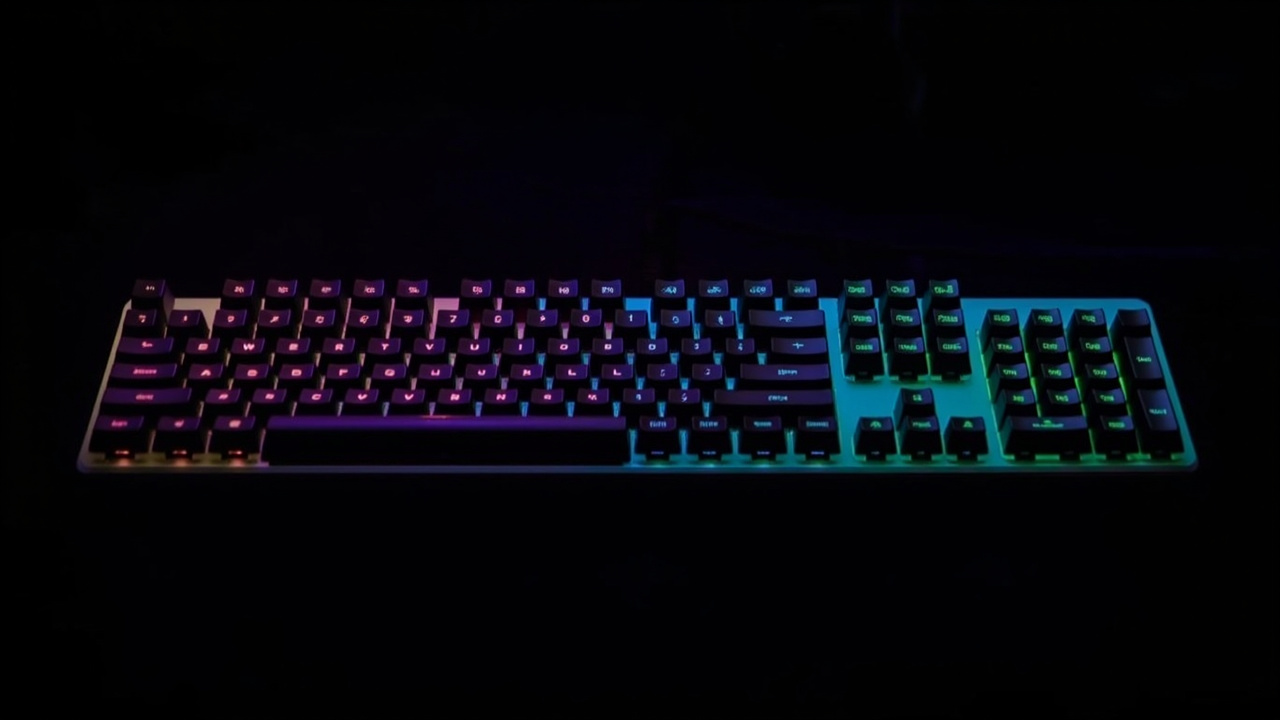
The Wake-Up Call Nobody Wants
Look, I'll admit it: I was one of those people who thought ergonomic keyboards were for "other people." You know, the ones who already have the fancy standing desks and those weird foot pedals that nobody actually uses.
Then my wrists started staging a protest.
If you've ever felt that dull ache creeping up your forearms after a long typing session, or noticed your shoulders mysteriously tensing up around 3 PM every single day, you probably know where this is going. Our bodies weren't exactly designed for eight hours of hunting and pecking—er, I mean, typing—on flat keyboards day after day.
So when I finally decided to dip my toes into the world of ergonomic keyboards, I braced myself for a dramatic lifestyle overhaul. Maybe I'd need one of those completely split keyboards that look like they've been through a divorce. Maybe I'd have to spend weeks relearning where every single key lives.
Spoiler alert: I didn't.
The Keyboard That Doesn't Scare You Off
Here's the thing about the Logitech Ergo K860 that nobody tells you upfront—it actually looks kind of intimidating at first. That high-rise dome shape? The keys split down the middle like they're trying to get away from each other? I totally get why some people see it and think "nope, not for me."
But here's what I learned after actually using it: looks can be deceiving.
Unlike those hardcore split keyboards that basically require you to become a concert pianist to operate, the K860 keeps things refreshingly normal. It's still one connected keyboard with all the keys you'd expect—no separate pieces to position, no cables to manage, just a gently curved layout that whispers "hey, your wrists don't have to twist like that."
The middle gap isn't there to confuse you; it's there to let your hands settle into their natural shoulder-width position. Your wrists stay straighter, your shoulders don't have to inch toward each other, and suddenly typing doesn't feel like a contact sport.
Two Weeks In: What Actually Changed
I'm not going to sit here and tell you that switching keyboards magically cured all my desk-job ailments. Work is still work, and if you're putting in long hours, you're going to feel some fatigue—that's just reality.
But here's what I noticed after about two weeks with the K860: my upper back and shoulders felt noticeably more relaxed at the end of the day. I wasn't actively thinking about my posture; the keyboard's shape was doing a lot of the heavy lifting (literally) to keep me in a more neutral position.
There's definitely an adjustment period. The key layouts aren't identical to standard keyboards, so you'll make a few extra typos initially. But honestly? It was nothing dramatic. Within a couple days, I was back to my normal typing speed with way less shoulder tension. Compare that to the steep learning curve I experienced with fully split keyboards, and the K860 felt like a breeze.
The Wrist Rest: Not Just Fluff
Okay, let's talk about that integrated wrist rest, because I know some of you are thinking "is that actually comfortable, or is it just marketing?"
Fair question.
The K860's wrist rest is genuinely supportive. It's pillowed without being so plush that your hands sink in and feel trapped. The multiple foam layers strike a nice balance—they take the pressure off your palms without making you feel like you're typing into a marshmallow.
What I appreciated most was how it paired with the keyboard's negative tilt legs (yes, it has those). When you raise the front of the keyboard, your arms naturally meet it at a more comfortable angle. No more hovering your hands above the desk like you're about to perform surgery. Just... support.
On my heavier typing days, I noticed significantly less pressure at the base of my palms. You know that spot where your hand meets your wrist that just screams after too long on a regular keyboard? Yeah, that was way quieter on the K860.
The trade-off? This keyboard is chunky. Like, really chunky. It's much longer than your average keyboard, and the wrist rest adds even more real estate to your desk. If you're working in a cozy space, you'll definitely notice the footprint difference.
But here's my take: that's a pretty reasonable compromise for the comfort you're getting. The extra size isn't arbitrary—it's there to let your hands and wrists align naturally with your shoulders. Sometimes bigger really is better.
The Sound of Silence (And Comfort)
One thing that surprised me: the K860 uses low-profile, scissor-switch keys—the same type you'd find on most laptops. If you're the type who gets excited about mechanical keyboards with that satisfying clicky-clacky sound, this might not be your jam. More power to you, but I'm guessing you already knew that coming into this review.
For the rest of us who type in shared spaces, open offices, or just don't want to sound like a tiny robot army living on our desks? The quiet keys are a blessing. No annoying your coworkers, no startling yourself awake when you hit a key too hard during a late-night session.
What I really appreciated was how these softer, lower-profile keys made the transition to the split layout even easier. Even on marathon typing days, I didn't experience any finger fatigue. My hands just... glided.
Is This The One?
Here's my honest take: if you're someone who's been curious about ergonomic keyboards but intimidated by the more extreme options out there, the Ergo K860 might be exactly your entry point. It offers genuine ergonomic benefits without demanding that you completely relearn how to type.
You're not sacrificing productivity for comfort, and you're not spending weeks in typing boot camp just to check your email. It's an approachable middle ground that actually delivers on its promises.
Your wrists, shoulders, and future self might just send you a thank-you note.